
A Smarter PhotoRobot Account - Rebuilt for Admins
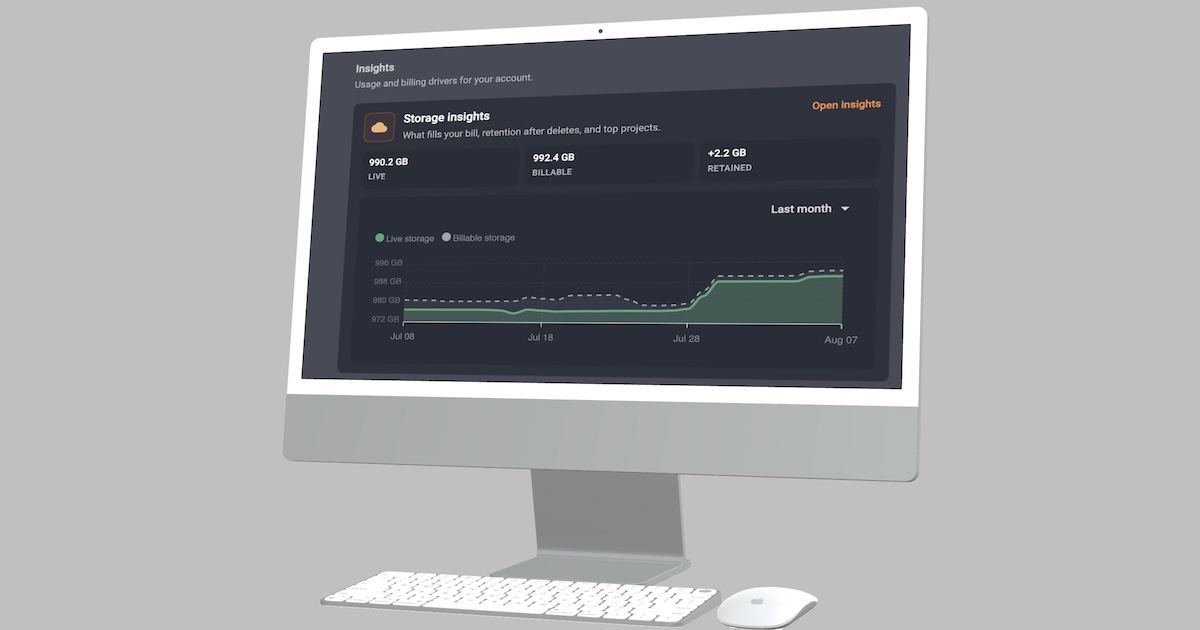
The PhotoRobot Account Dashboard now prioritizes account health and expands account control for administrators, finance, IT, and ops teammates.
Prioritizing Account Health on the Dashboard Home
Your PhotoRobot Account Dashboard just got smarter, with your home now prioritizing account health. Updates provide your admins with attention banners, overview KPIs, package seats, storage usage, licensing & support status, and additional info on how billing works. Your admins can act before production feels any impact.
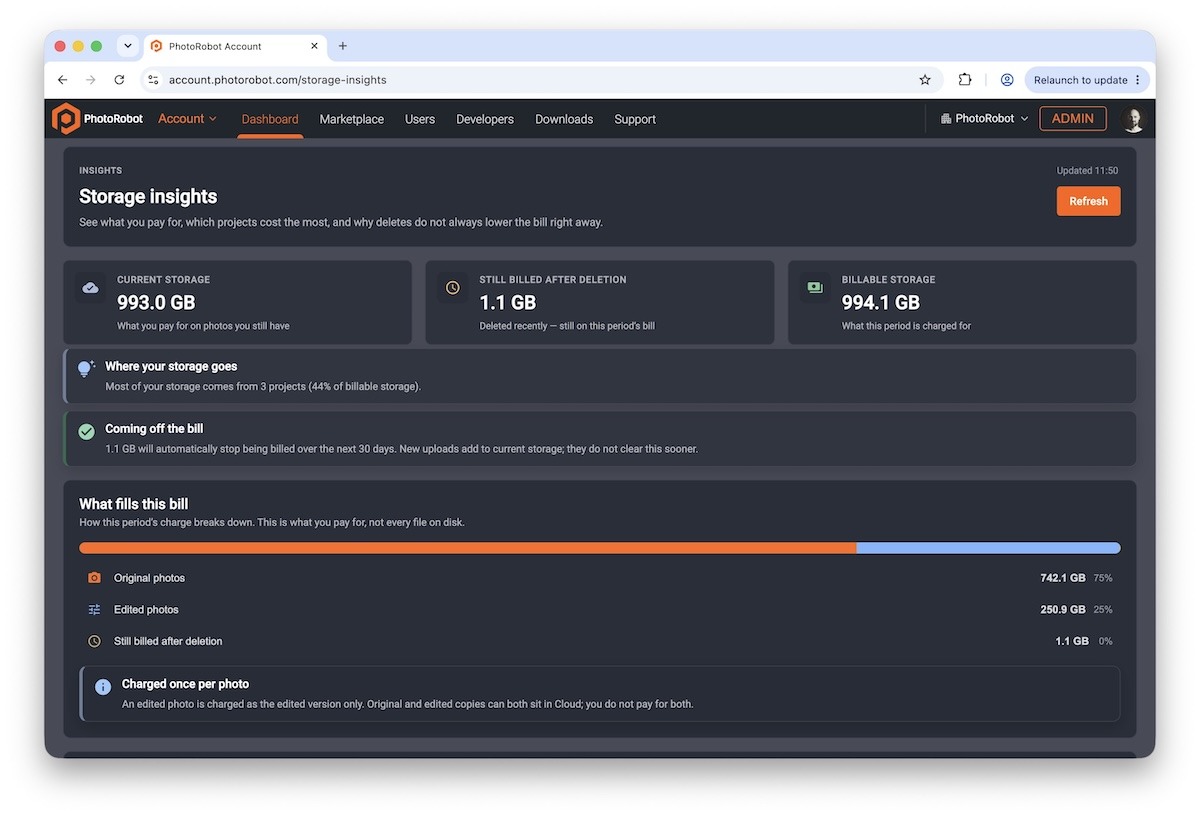
Rebuilding Your Account Home for Action
It’s time to eliminate the long hunts across billing, users, and support for your organization admins to resolve issues that arise. The Dashboard now places commercial and operational signals in one place – calm when healthy, loud when something requires attention.
Admins land on the revamped Dashboard immediately after login, while non-admin users access it through My Profile instead. This way, the Dashboard remains a true command surface for people who manage the organization.
What the Dashboard Shows
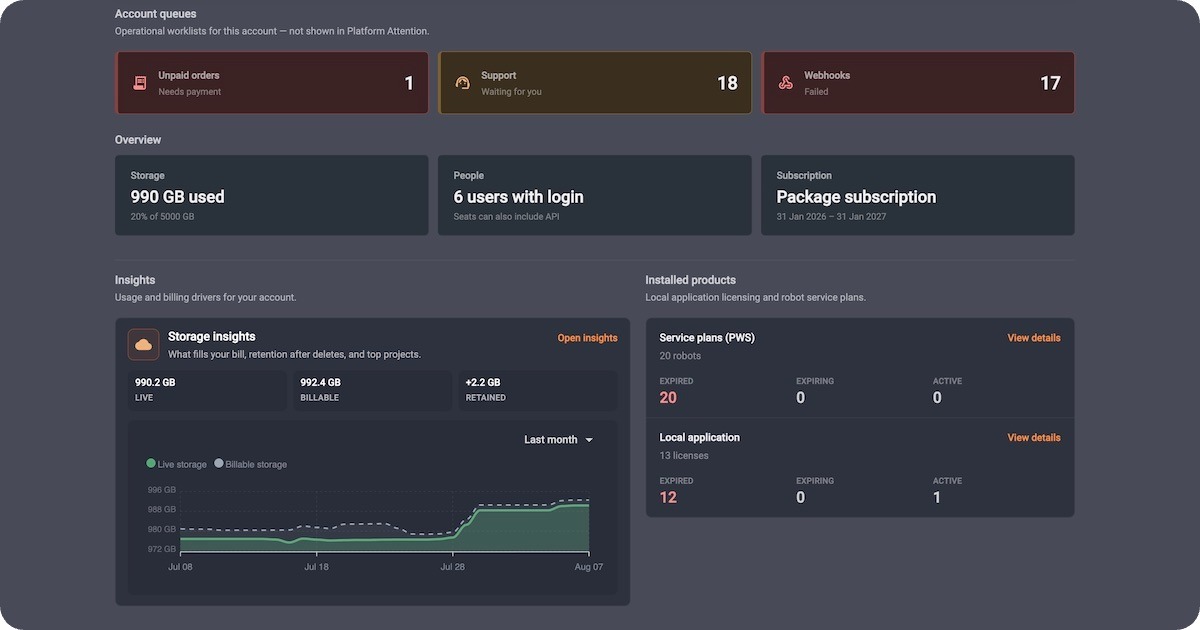
Organization admins on the Dashboard home receive all their account health signals in one place.
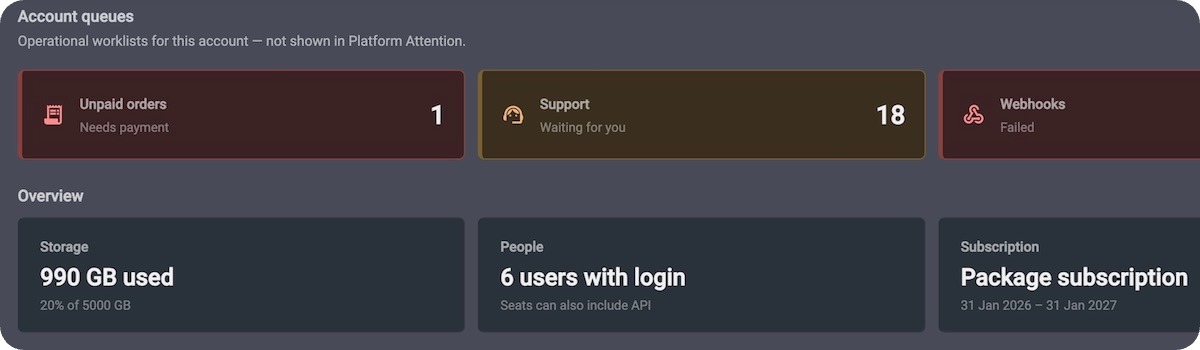
- Needs attention – subscription blocked or pending payment, missing invoice email, unpaid orders, support replies waiting, failed webhooks, and pending invitations — with direct CTAs
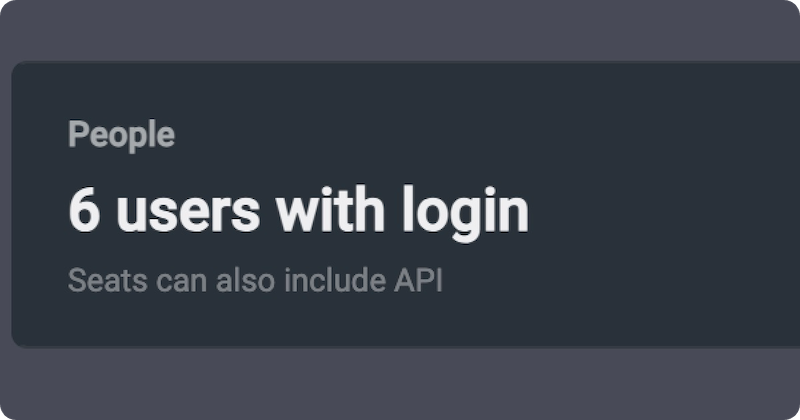
- Overview – storage used vs limit, seats used vs ordered, active users, and subscription status at a glance
- Package seat meters – Production, Backstage, Retoucher, and API seats with remaining counts and clear warnings when you are about to run out
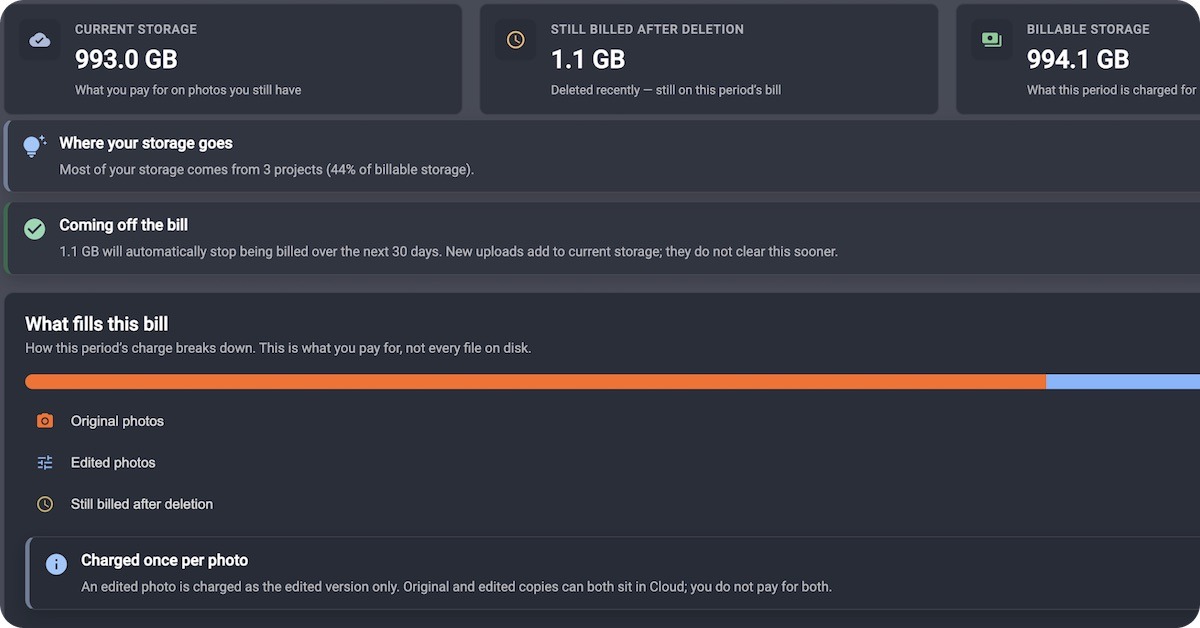
- Storage usage – compact cloud storage chart so capacity stays visible before it becomes a blocker
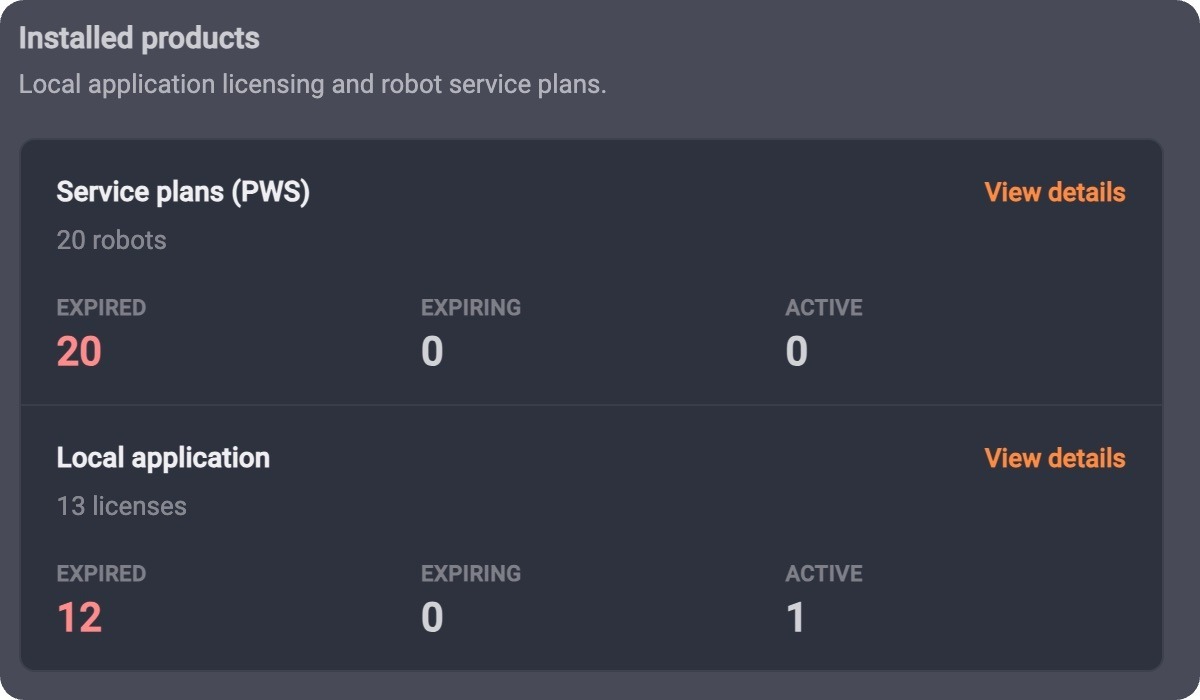
- Licenses & support – robot support (PWS) and local application licenses with active, expiring, and expired counts
A Design to Fully Support Your Account Admins
Whether you manage the organization as a product user with admin rights, or as an Account-only administrator, the Dashboard is the place to check posture before the shoot day starts.
Healthy items remain neutral, while warnings and risks escalate only when action is necessary. The page stays readable every morning, not busy.
Simply sign in to your PhotoRobot Account as an organization admin. Open the Dashboard, and clear anything that Needs attention before your next production window.
Account-Only Admins – Manage without Spending Seats
Provide finance, IT, and ops teammates full PhotoRobot Account control – without a Cloud or Desktop license, and without consuming a package seat. Account-only admins receive full control to manage users, billing, licenses, and support.
Organization Management Without Using a Capture Seat
Studios often need someone to invite new users, renew subscriptions, and open support tickets — not to shoot or retouch. Until now, that person usually needed a paid Production or Backstage seat plus admin rights. Now, PhotoRobot Account offers a dedicated Account-only administrator role. The role does not consume a package seat, and scopes strictly to Account management.
What Account-Only Admins Can Do
Account-only administrators are able to:
- Manage the organization — invite and edit users, handle billing, licenses, API keys, and support.
- Stay on Account — land on the admin Dashboard; no Cloud content access, and no Desktop / sync login.
- Cost nothing in seats — the role does not count toward package seat limits.
- Clear invite UX — choose “Account-only access” separately from product roles (Production, Backstage, External Retoucher).
Two Ways Account-Only Admins Can Administer
Do you need someone who also photographs and retouches? Assign a product role, and enable Also manage the organization.
What about someone who only runs the account? Then, invite them as an Account-only administrator – focused, and correctly gated.
PhotoRobot Account – Built for Growing Photo Studio Teams
The combination of a smarter Dashboard with Account-only administrators aims to support the growth of your PhotoRobot-powered studio teams. As studios scale, finance and operations should not have to burn through production seats. Account-only administrator roles keep commercial control with the right people – leaving licensed seats for people who create content. It’s extremely simple, too. Just open your PhotoRobot Account, and invite a teammate under Account-only access. They will then have access to open the smart Dashboard, Users, and Billing – all without a Cloud link.


